How EMI Is Calculated: Formula, Examples and Tips
The EMI formula explained in plain English, with a worked ₹25 lakh example, tables for tenure and rate,…
5 min read

The EMI formula explained in plain English, with a worked ₹25 lakh example, tables for tenure and rate, and ways to pay less interest.
 webyfox
·
Updated November 17, 2026
·
5 min read
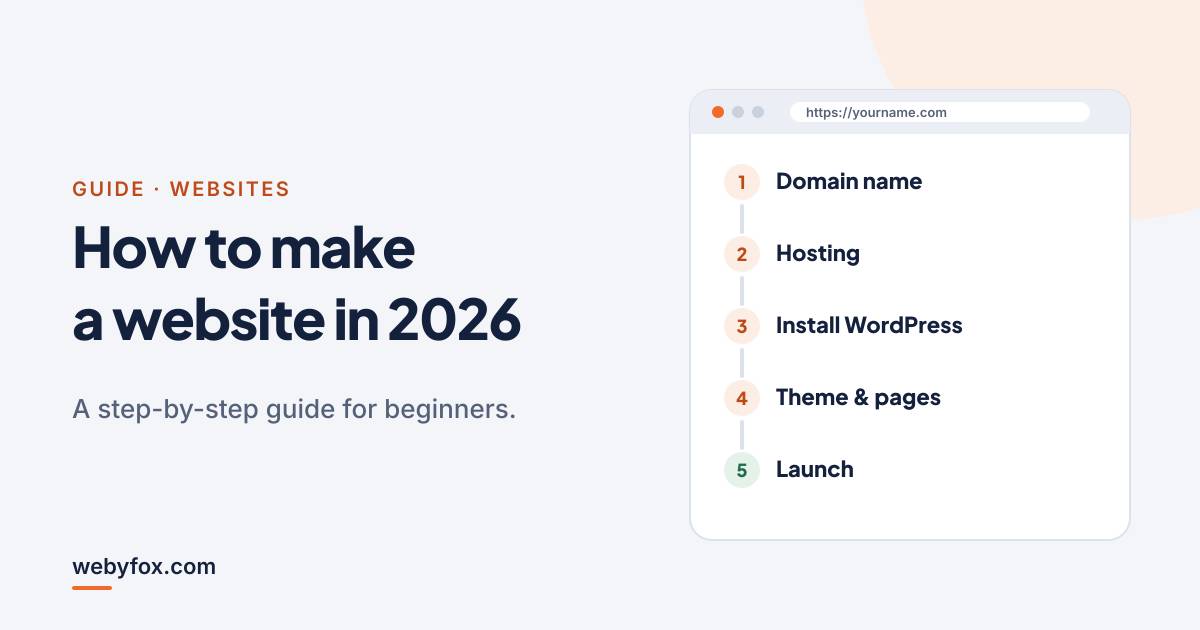
Key takeaways
Making a website no longer needs coding skills or a big budget. With a domain, basic hosting and WordPress, you can have a real website online in an afternoon. This guide walks you through every step, in plain English, from choosing a name to going live.
There are three common ways to make a website. Pick the one that fits what you need:
| Option | Ease | Cost and control | Best for |
|---|---|---|---|
| Website builder (Wix, Squarespace and similar) | Very easy, drag and drop | Monthly fee; harder to move later | A simple site you want online today |
| WordPress on your own hosting | Easy once set up | Low yearly cost; you own everything | Blogs, business sites, most beginners |
| Code it yourself (HTML, CSS) | Needs coding | Cheapest; most work | Developers and learners |
This guide uses WordPress. It runs around 4 in 10 of all websites, so help, themes and plugins are easy to find.
Write one sentence about what your website should do, for example “show my bakery’s menu and take orders on WhatsApp”. Then list the pages you need. Most small sites start with Home, About, Services or Products, Contact and a Privacy Policy. A blog can come later.
Your domain is your address, such as yourname.com. Keep it short, easy to spell and easy to say out loud. .com works everywhere; .in is a good choice if your audience is in India.
Hosting is the computer that stores your website and shows it to visitors. For a new site, shared hosting is enough and costs the least. Look for:
Tip: Many hosts include a free domain for the first year with a hosting plan. That is handy, but check what the domain renews at.
Log in to your hosting control panel and find the WordPress installer. Choose your domain, set an admin username (not “admin”) and a strong password, and click Install. In a few minutes you can log in at yourdomain.com/wp-admin.
Straight after installing, go to Settings → Permalinks and choose Post name, so your page addresses look like yourdomain.com/about/.
The theme controls how your site looks. Choose a lightweight, well-supported free theme such as Kadence, Astra or GeneratePress, then set your colours, fonts and logo in Appearance → Customize. Avoid heavy themes with lots of built-in sliders and animations: they slow the site down.
Create your pages under Pages → Add New using the block editor. Then add only the plugins you really need:
Tip: Every plugin adds code to your site. Fewer, well-maintained plugins mean a faster and safer site. Keep WordPress, your theme and plugins updated.
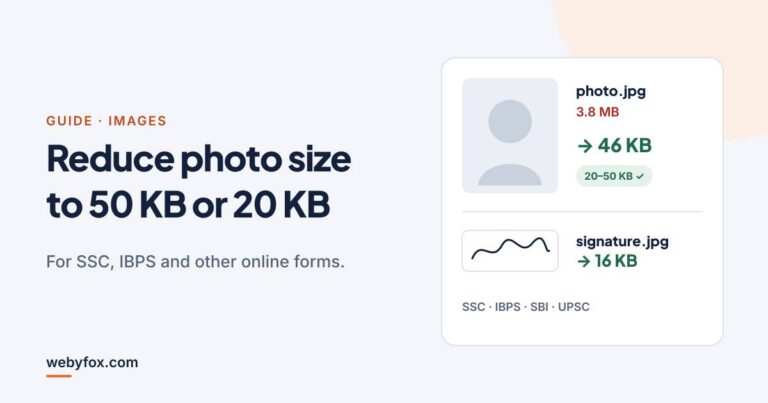
Big photos are the most common reason a new website is slow. Before you upload a photo, resize it to the width it will actually be shown at (1,200 to 1,600 pixels is plenty for most pages) and compress it. A 4 MB phone photo can usually become 150 to 300 KB with no visible difference.
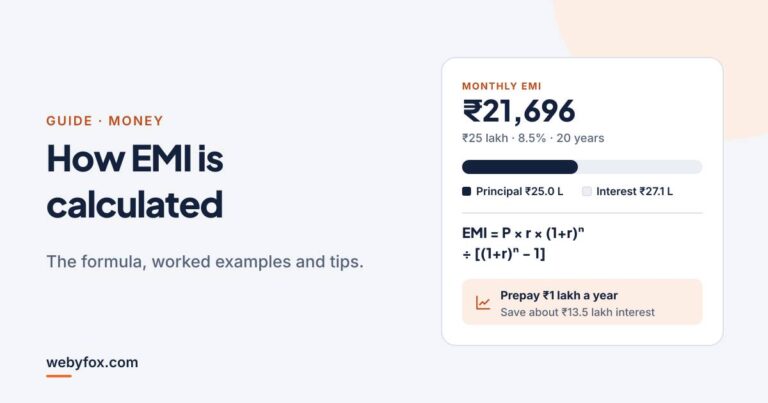
EMI = P × r × (1 + r)^n ÷ [(1 + r)^n − 1], where P is the loan amount, r is the monthly interest rate (annual rate ÷ 12 ÷ 100) and n is the number of months.
About ₹21,696 a month. Over 20 years you pay about ₹52,06,939 in total, of which about ₹27,06,939 is interest.
Reducing the tenure usually saves more interest. Reduce the EMI only if you need the extra monthly cash.
It can. When the rate is reset, the lender changes the EMI, the tenure or both. Under RBI rules for EMI-based personal loans, including home loans, you get to choose.
This guide is for general information only and is not financial advice. Check exact figures and terms with your lender.
Try your own numbers in the EMI Calculator, and compare two or three tenures before you decide.

The EMI formula explained in plain English, with a worked ₹25 lakh example, tables for tenure and rate,…
Get your photo and signature to the right size for SSC, IBPS and other online forms in four…