
FreeHTML · CSSResponsive
Free HTML portfolio template
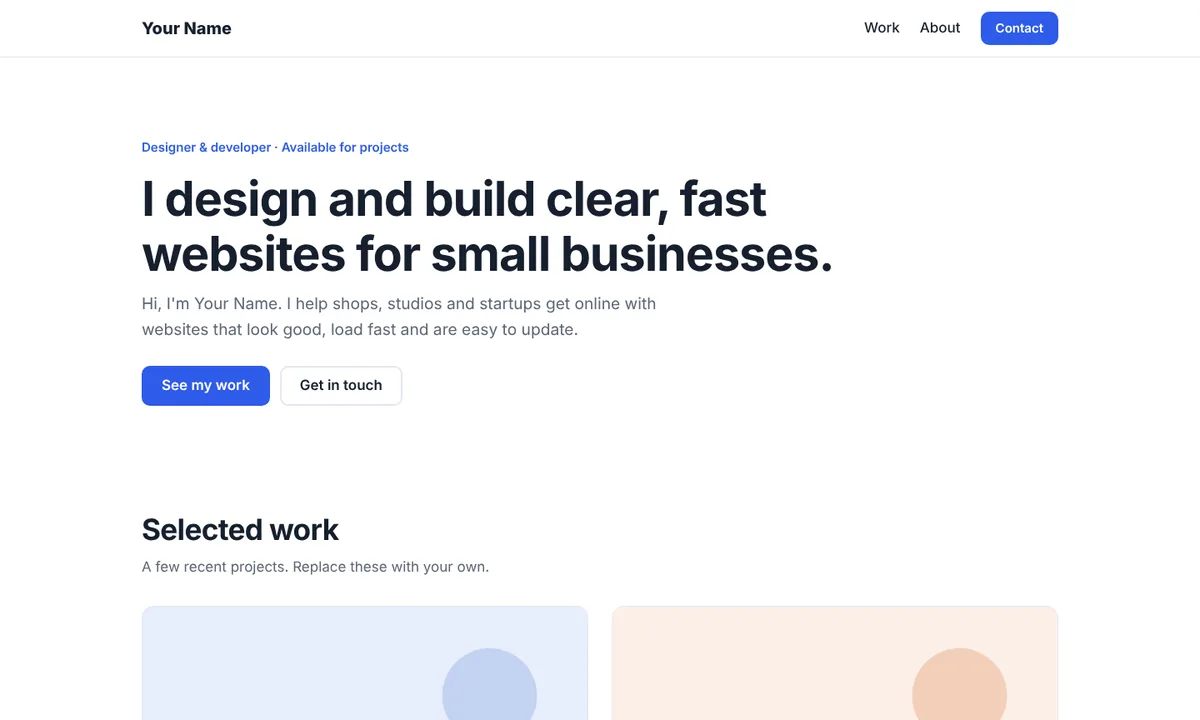
A clean one-page portfolio for designers, developers and freelancers. Change the colours and text, add your projects, and upload it to any host. No frameworks and no build tools.
What’s included
- index.html: hero, selected work (4 projects), about with skills, and a contact section
- style.css with colours, font and width set as variables at the top
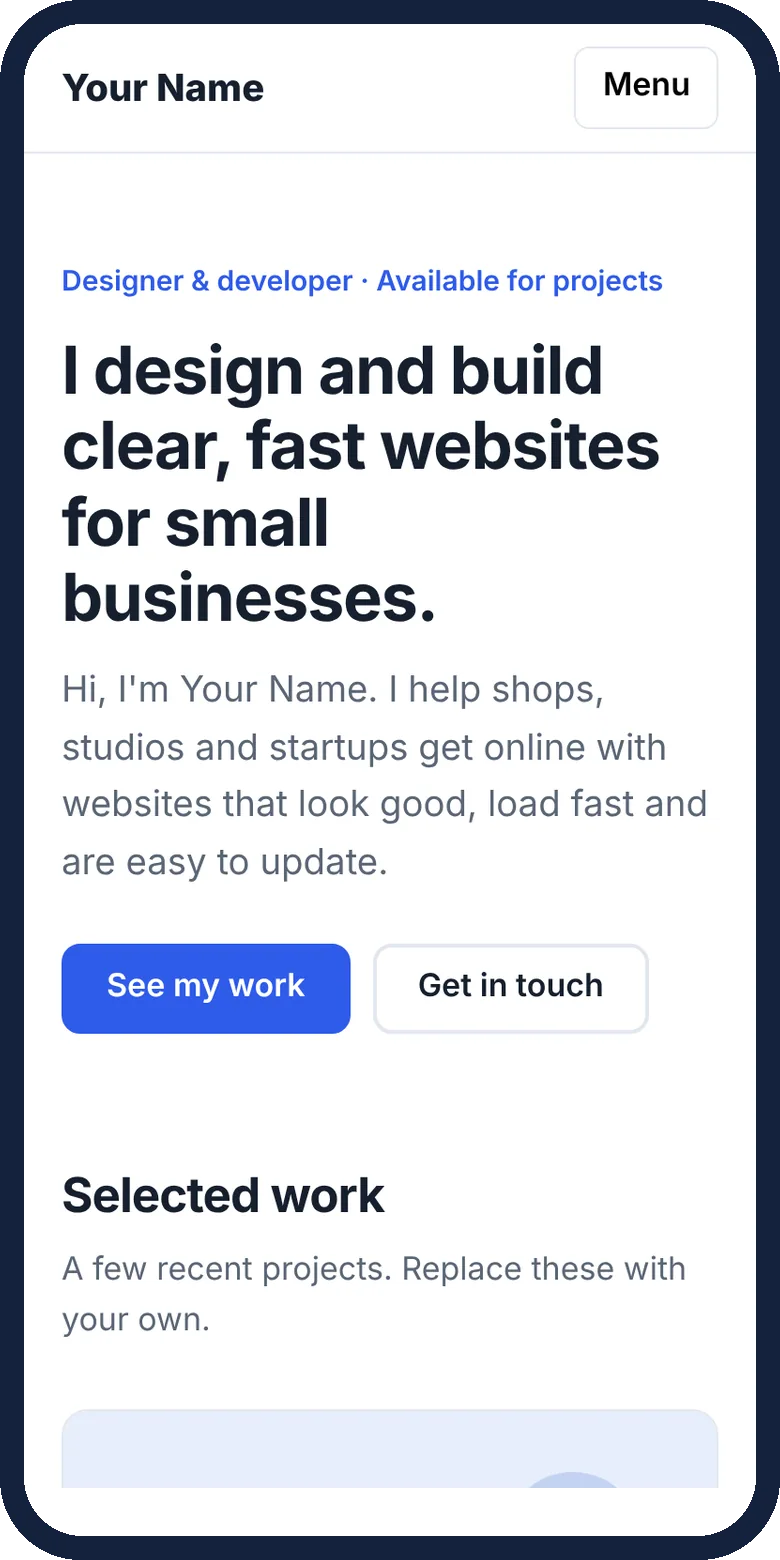
- A mobile menu that works on phones, with a few lines of plain JavaScript
- Placeholder images in an images folder, ready to swap for your own
- A README with step-by-step instructions, and a licence file
How to make it yours
- Download the ZIP and unzip it.
- Open style.css and change
--brandto your main colour. - Open index.html and replace “Your Name”, the text, your email and social links.
- Replace the images in the images folder with screenshots of your work (1200 × 800 px works well).
- Upload the folder to your hosting, or drag it into a free static host such as Netlify Drop or GitHub Pages.
/* 1. Change these to your brand */
:root {
  --brand: #2F5BEA;      /* buttons and links */
  --text: #16202E;       /* main text */
  --soft: #F4F6FA;       /* card background */
  --radius: 14px;
  --max: 1100px;         /* content width */
}
Who is this template for?
Freelance web designers and developers, graphic designers, photographers, students building their first portfolio, and anyone who wants a simple personal website without a page builder. It loads fast because it is a single HTML page with one stylesheet.
Tips for a portfolio that wins work
Show three to six of your best projects rather than everything you have made. For each one, say who it was for, what the problem was and what changed. Use real screenshots, compressed so the page stays fast, and make your email address easy to find.
Frequently asked questions
Can I use this template for a client project?
Yes. You can use it for personal and commercial projects, including client work. You may not resell or share the template itself as a template.
Do I need to credit Webyfox?
No. A credit link is welcome but not required.
Will it work with WordPress?
It is a plain HTML site, not a WordPress theme. You can upload it as a separate site or use the design as a guide for a WordPress page.
How do I add more projects?
Copy one <article class="project"> block in index.html, paste it below the others and change the image and text.
Free to use under the Webyfox free resources licence: personal and commercial projects, including client work. Please don’t resell or re-share the files as a download.
Details
| Type | Website template |
| Files | HTML, CSS |
| Pages | 1 (one-page site) |
| Works with | Any web host |
| Download size | 7 KB |
| Updated | 17 November 2026 |
| Licence | Free for personal and commercial use |
More free resources
TemplatesFree
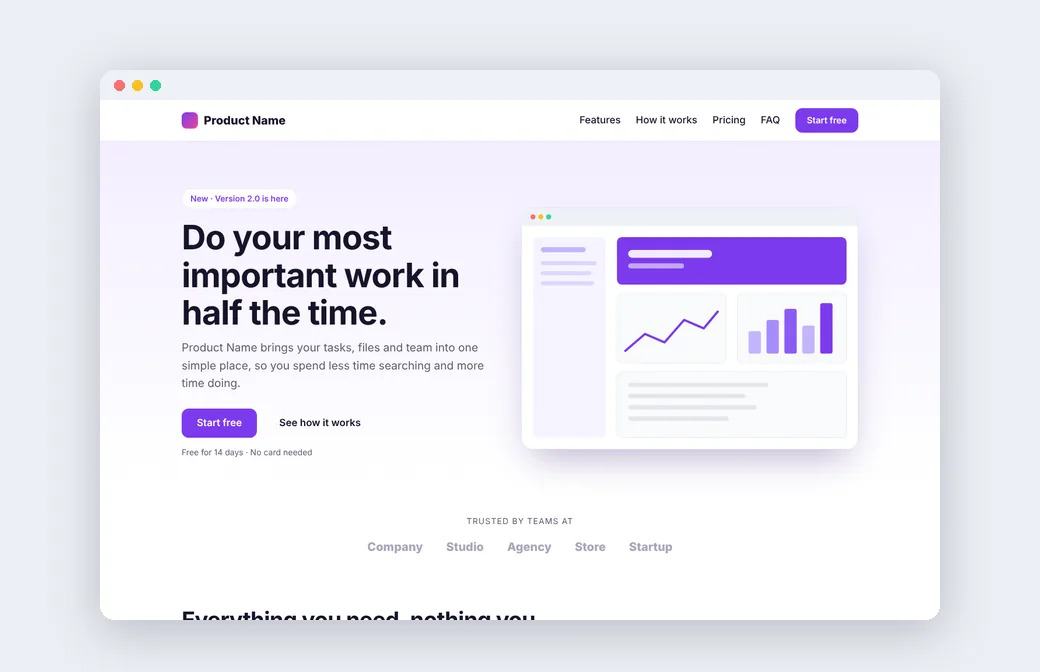
Landing page template
Hero, features, pricing and FAQ sections for a product or service.
HTML · CSSView →
TemplatesFree
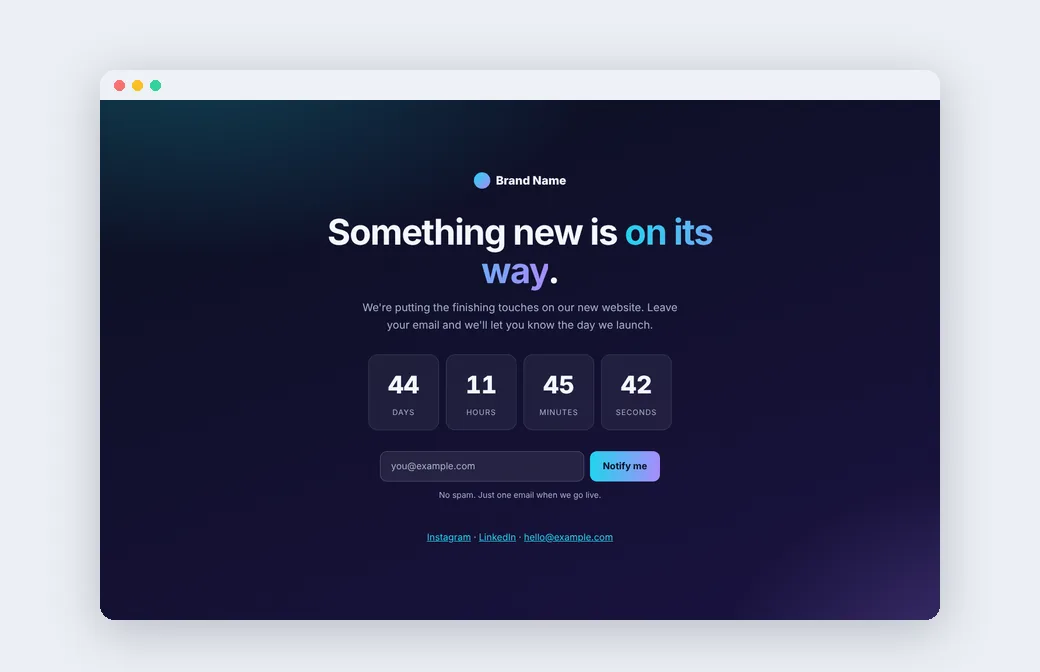
Coming-soon page
A simple holding page with a countdown and email signup.
HTML · CSS · JSView →
SnippetsFree
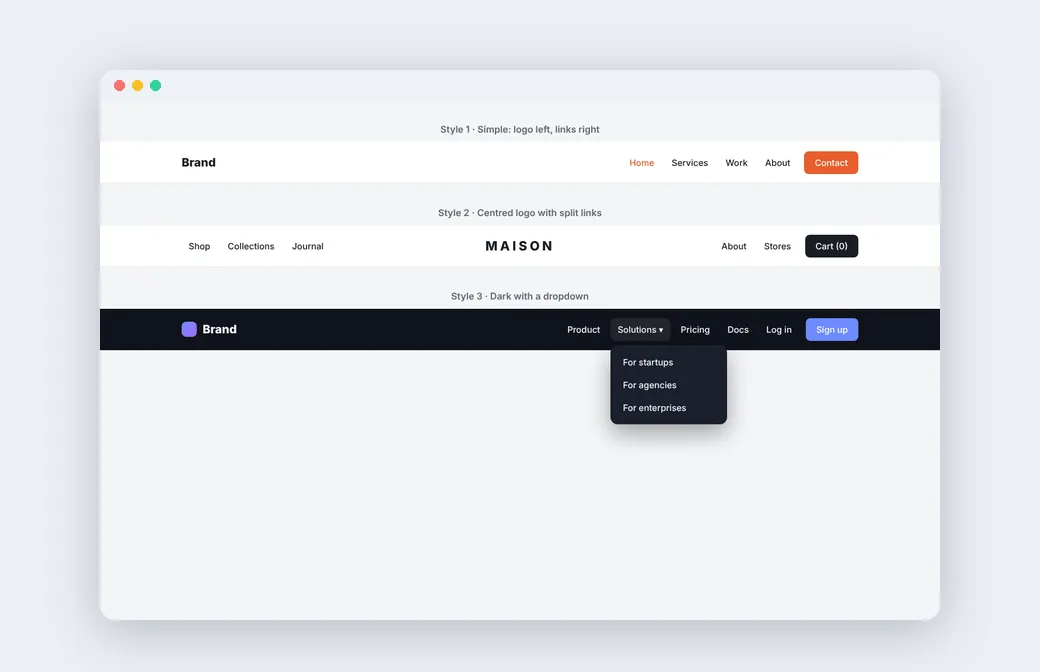
Navigation bars
Responsive navbars with a mobile menu, in plain CSS and JS.
CSS · JSView →